

Lutron HomeWorks QS
HomeWorks QS is the generation of Lutron HomeWorks before QSX. Controllable via on-wall keypads, the Lutron app, or via a third-party control system.
-

Lutron HomeWorks QS – Processor
HomeWorks QS -

Lutron HomeWorks – 4-Zone Adaptive Power Module – LQSE-4A-D
HomeWorks QS -

Lutron HomeWorks – 4-Zone PRO LED+ Phase Adaptive Power Module – LQSE-4A5-230-D
HomeWorks QS -

Lutron HomeWorks – 4-Zone 0-10 V Power Module – LQSE-4T10-D
HomeWorks QS -

Lutron HomeWorks QS – DALI Power Module – LQSE-2DAL-D
HomeWorks QS -

Lutron HomeWorks – 4-Zone Switching Power Module – LQSE-4S10-D
HomeWorks QS -

Lutron HomeWorks – 4-Output Motor Control Power Module – LQSE-4M-D
HomeWorks QS -

Lutron HomeWorks – Hybrid Repeater, 868 MHz – HQK-REP
HomeWorks QS -

Lutron HomeWorks – QSE-CI-DMX DMX Interface – QSE-CI-DMX
HomeWorks QS -

Lutron HomeWorks – QSE-CI-WCI Wallbox Closure Interface – QSE-CI-WCI
HomeWorks QS -

Lutron HomeWorks – QSE-IO Contact Closure Interface – QSE-IO
HomeWorks QS -

Lutron HomeWorks – QS Power Supply
HomeWorks QS -

Lutron HomeWorks – 10-Output Sivoia QS Smart Panel – QSPS-10PNL
HomeWorks QS -

Lutron HomeWorks – Sivoia QS Smart Panel Power Supply – QSPS-P2-10-60
HomeWorks QS -

Lutron HomeWorks – QS Wire Landing Board – QS-WLB
HomeWorks QS -

Lutron HomeWorks – In-Line Switch – HQRK-R6ANS-240
HomeWorks QS -

Lutron HomeWorks – In-Line Dimmer – HQRK-R25NE-240
HomeWorks QS -

Lutron HomeWorks – In-Line Fan Control – HQRK-RNFSQ-240
HomeWorks QS -

Lutron HomeWorks – Plug-In Lamp Dimmer – HQRK-P20-240G
HomeWorks QS -
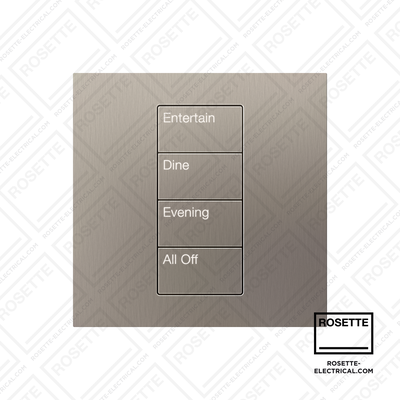
Lutron Palladiom International Keypad
HomeWorks QS -
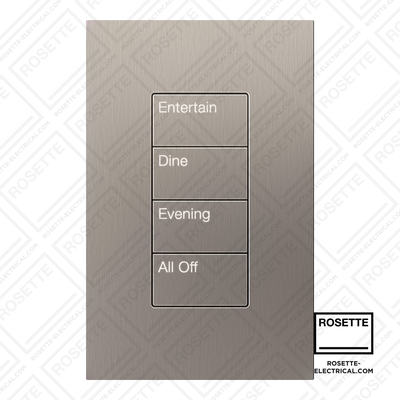
Lutron Palladiom US Keypad
HomeWorks QS -
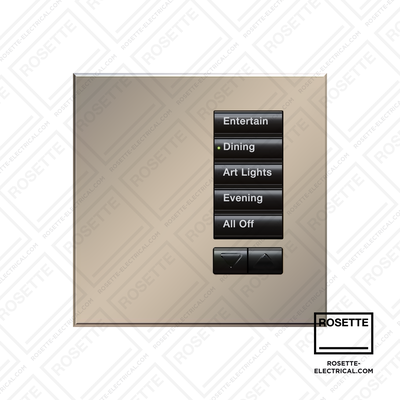
Lutron seeTouch International Non-insert Keypad
HomeWorks QS -
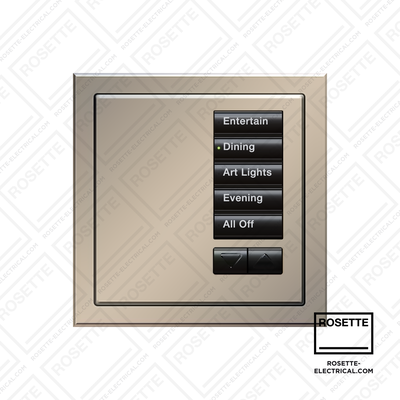
Lutron seeTouch International Insert Keypad
HomeWorks QS -
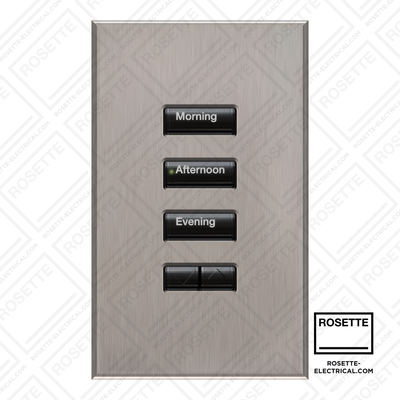
Lutron seeTouch US Architectural Non-insert Keypad
HomeWorks QS -
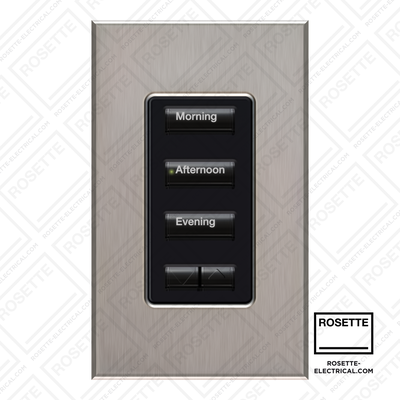
Lutron seeTouch US Architectural Insert Keypad
HomeWorks QS -
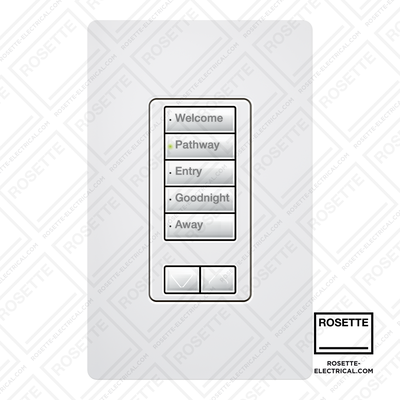
Lutron seeTouch Designer US Keypad
HomeWorks QS -
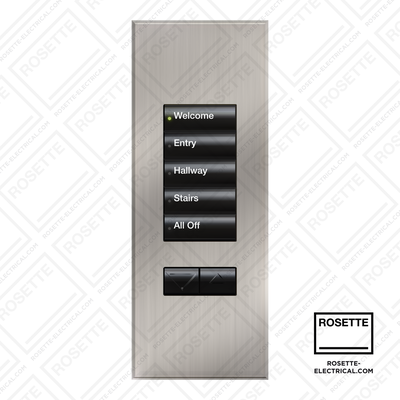
Lutron Signature Series US Keypad
HomeWorks QS -
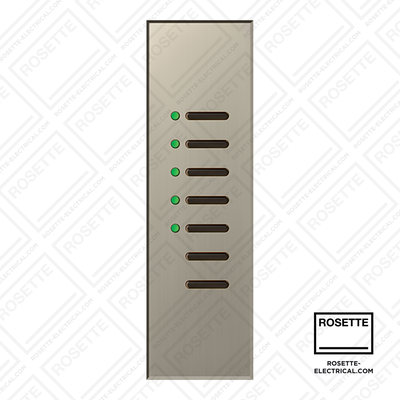
Lutron Architrave Keypad
HomeWorks QS -
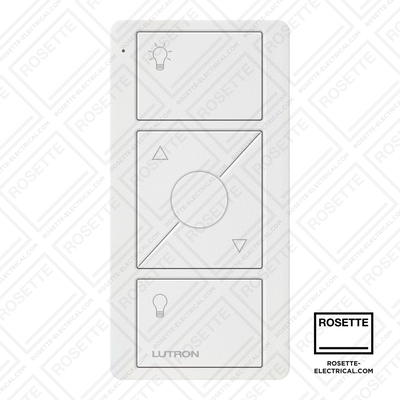
Lutron Pico Wireless Control
HomeWorks QS -
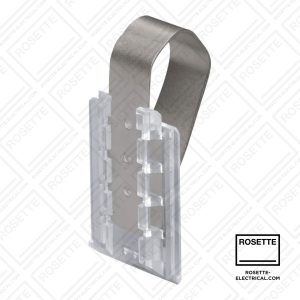
Lutron Pico Car Visor Clip (PICO-CARVISOR-CL)
HomeWorks QS -

Lutron Pico Pedestal (L-PED)
HomeWorks QS -

Lutron Pico Wallplate (LPFP / LFGP)
HomeWorks QS -

Lutron International seeTouch Keypad Base Unit
HomeWorks QS -

Lutron seeTouch US Keypad Base Unit (HQW-NB)
HomeWorks QS -

Lutron Low Voltage Cable, 12 AWG, 75 m Spool – GRX-CBL-46L-250
HomeWorks QS £616.00 + VAT -

Lutron Low Voltage Cable, 12 AWG, 152 m Spool – GRX-CBL-46L-500
HomeWorks QS £1,155.00 + VAT -
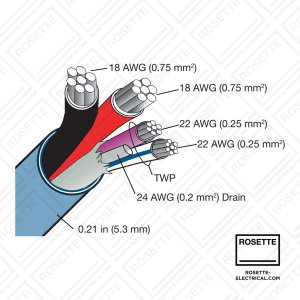
Lutron QS Cable, 152 m Spool – GRX-CBL-346S-500
HomeWorks QS -
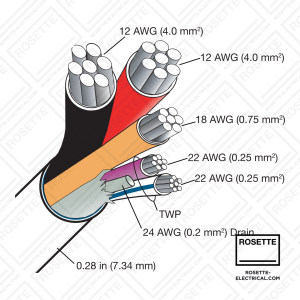
Lutron Plenum Low Voltage Cable, 12 AWG, 75 m Spool – GRX-PCBL-46L-250
HomeWorks QS -
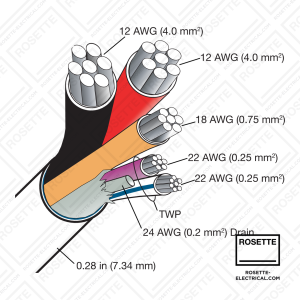
Lutron Plenum Low Voltage Cable, 12 AWG, 152 m Spool – GRX-PCBL-46L-500
HomeWorks QS -
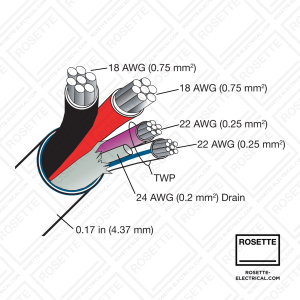
Lutron Plenum QS Cable, 75 m Spool – GRX-PCBL346S-250
HomeWorks QS -
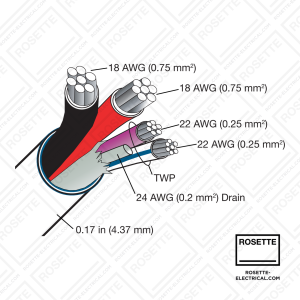
Lutron Plenum QS Cable, 152 m Spool – GRX-PCBL346S-500
HomeWorks QS -
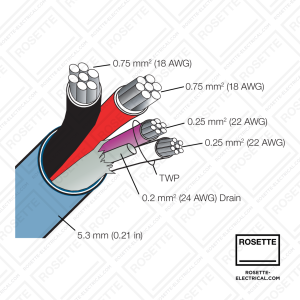
Lutron LSZH QS Cable, 152 m Spool – QS-CBL-LSZH-500
HomeWorks QS £412.50 + VAT -

Lutron Sivoia QS Cable, 12 AWG, 152 m Spool – QSH-CBL-L-500
HomeWorks QS £1,163.00 + VAT -

Lutron Sivoia QS Cable, 16 AWG, 152 m Spool – QSH-CBL-M-500
HomeWorks QS £1,120.00 + VAT -

Lutron Sivoia QS Plenum Cable, 12 AWG, 152 m Spool – QSH-CBLP-L-500
HomeWorks QS -

Lutron Sivoia QS Plenum Cable, 16 AWG, 152 m Spool – QSH-CBLP-M-500
HomeWorks QS £1,617.00 + VAT
About HomeWorks QS
HomeWorks QS is the generation of Lutron HomeWorks before QSX, for whole-house control of lighting, blinds and keypads. A processor runs one or two links, and each link is set to one type: QS wired devices, RF wireless devices, power panels, wired Maestro dimmers and QED shades, or HomeWorks Illumination keypads.
What you need for a system
This is an outline only. A system may need parts not listed here, and the exact parts and quantities depend on the project. A HomeWorks QS system must be designed and installed by a Lutron certified engineer. Please contact us to discuss your project. HomeWorks QS systems are priced on request.
| Part | Code | Notes |
|---|---|---|
| Processor | HQP6-1 or HQP6-2 | One or two links |
| Processor power supply | QSPS-DH-1-75-H | 24 V DC, 60 W, DIN rail |
| LED and phase dimming | LQSE-4A5-230-D, LQSE-4A-D | 4 zones, leading or trailing edge. The 4A5 updates the 4A |
| Switching | LQSE-4S10-D | 4 outputs, 10 AX each |
| 0–10 V | LQSE-4T10-D | 4 zones |
| DALI | LQSE-2DAL-D | 2 buses, 16 zones each |
| Blinds | QSPS-10PNL, LQSE-4M-D | Sivoia QS smart panel, or AC motors |
| Wireless devices | HQK-REP | Hybrid repeater, up to four per RF link |
| In-line and plug-in controls | HQRK-R25NE-240, HQRK-R6ANS-240, HQRK-RNFSQ-240, HQRK-P20-240G-XX | Dimmer, switch, fan control, lamp dimmer |
| Interfaces | QSE-IO, QSE-CI-WCI, QSE-CI-DMX | Contact closure, wallbox closure, DMX |
| Keypads | Lutron Keypads | Palladiom, seeTouch, Signature Series and more |
| Cable and wiring | GRX-CBL-346S-500, QS-CBL-LSZH-500, QS-WLB | QS cable, LSZH QS cable, wire landing board |
Wiring and power
Link types
| Link type | What it connects | Capacity |
|---|---|---|
| QS wired device link | Wired keypads, interfaces, GRAFIK Eye QS units, wallbox power modules and Sivoia QS shades | 100 devices, 500 zones |
| RF link | Wireless keypads, dimmers, plug-in and in-line controls, sensors and Sivoia QS Wireless shades, through hybrid repeaters | 100 devices, 100 zones |
| Power panel link | Module interfaces and remote power modules in HomeWorks power panels | 16 module interfaces, 256 zones |
| Wired Maestro and QED shade link | HWI-H48 dimmer interfaces and HWI-Q96 shade interfaces | 4 interfaces: up to 192 wired Maestro controls or 256 QED shades |
| Legacy keypad link | HomeWorks Illumination keypads and contact closure interfaces | 32 devices |
A capacity is the number of addresses on the link. Each link is set to one type, and the power its devices draw is planned separately.
Cable and run lengths
| Link type | Wiring | Maximum length |
|---|---|---|
| QS wired device link | Daisy chain, T-tap or star | 610 m per link |
| RF link | Repeaters wired to the processor or to each other | 305 m per run |
| Power panel link | Daisy chain from one module interface to the next. Pin 2 not connected. A terminator (LT-1a) at each end once the link passes 15 m | 305 m in total |
| Wired Maestro and QED shade link | Daisy chain. Past 15 m from the processor, an HQ-HWI-LX link translator and a terminator on the last interface | 305 m in total |
| Legacy keypad link | The existing keypad wiring, from an HQ-HWI-LX link translator | 1,220 m in total; 305 m and 10 devices per run |
The standard Lutron four-core QS cable has one pair for power and one twisted, shielded pair for data. Pin 1 is common, pin 2 is 24 V DC, and pins 3 and 4 are the two data lines (MUX). Longer power runs need the heavier 4.0 mm² cable:
| Power run | Conductors | Cable |
|---|---|---|
| Up to 153 m | Power: one pair, 1.0 mm² (18 AWG). Data: one twisted, shielded pair, 0.5 mm² (22 AWG) | GRX-CBL-346S-500, GRX-PCBL346S-500, QS-CBL-LSZH-500 |
| Up to 610 m | Power: one pair, 4.0 mm² (12 AWG). Data: one twisted, shielded pair, 0.5 mm² (22 AWG) | GRX-CBL-46L-500, GRX-PCBL-46L-500 |
Powering the QS link
Every wired QS device runs on 24 V DC, and its power is counted in power draw units (PDUs). A power supply gives a fixed number of PDUs and each device takes some. Each power group has one supply, and its PDUs added together must come to zero or more. One 305 m home run of standard cable carries up to 15 PDUs.
Between power groups, connect only common and the two data wires, never pin 2 (V+). GRAFIK Eye QS units and wallbox power modules power themselves, so pin 2 is not connected to them. Sivoia QS shades are usually powered from their own supplies rather than the link.
| Device | Code | PDUs |
|---|---|---|
| QS power supply, DIN rail | QSPS-DH-1-75-H | +75 |
| Sivoia QS smart panel | QSPS-10PNL | +8 per output |
| Plug-in or J-box power supply | QSPS-P1-1-35V, QSPS-J-1-50 | +8 |
| HomeWorks QS processor | HQP6-1, HQP6-2 | −8 |
| Hybrid repeater, powered from the link | HQK-REP | −3 (0 on its own 9 V DC adapter) |
| seeTouch, Architrave or Signature Series keypad | Keypads | −1 |
| Palladiom keypad | Keypads | −1 per column of buttons |
| Contact closure interface | QSE-IO | −3 |
| DMX interface | QSE-CI-DMX | −2 |
| Wireless and battery devices | 0 |
Frequently asked questions
What is the difference between HQP6-1 and HQP6-2?
HQP6-1 has one link and HQP6-2 has two. Each link can be set as a QS wired device link, an RF link, a power panel link, a wired Maestro and QED shade link, or a legacy keypad link for HomeWorks Illumination keypads.
How many devices can a HomeWorks QS link take?
Up to 100 devices on a QS wired device link or an RF link. A wired link controls up to 500 zones and an RF link up to 100.
How far can a QS wired link run?
Up to 610 m of cable in total, wired in daisy chain, T-tap or star. Standard QS cable suits power runs up to 153 m; longer runs need cable with 4.0 mm² power conductors, such as GRX-CBL-46L.
How do wireless devices connect to HomeWorks QS?
Through HQK-REP hybrid repeaters on an RF link, up to four per link. At least one repeater is wired to the processor. The others can be wired, or placed within 18 m of another repeater. A repeater is powered from the link or from its own 9 V DC adapter.
How do I order HomeWorks QS parts?
HomeWorks QS systems are priced on request. A HomeWorks QS system must be designed and installed by a Lutron certified engineer. Contact us to discuss your project.
Planning or servicing a HomeWorks QS system?
A HomeWorks QS system must be designed and installed by a Lutron certified engineer. Contact us to discuss your project.